How to Add a Second Camera to Your AnKeKe Baby Monitor System
The AnKeKe WiFi-free baby monitor supports up to two cameras on a single parent unit, making it ideal for twins, siblings in separate rooms, or monitoring multiple spaces. Here's how to expand your nursery coverage.
Expanding Your Nursery Coverage with Dual Cameras
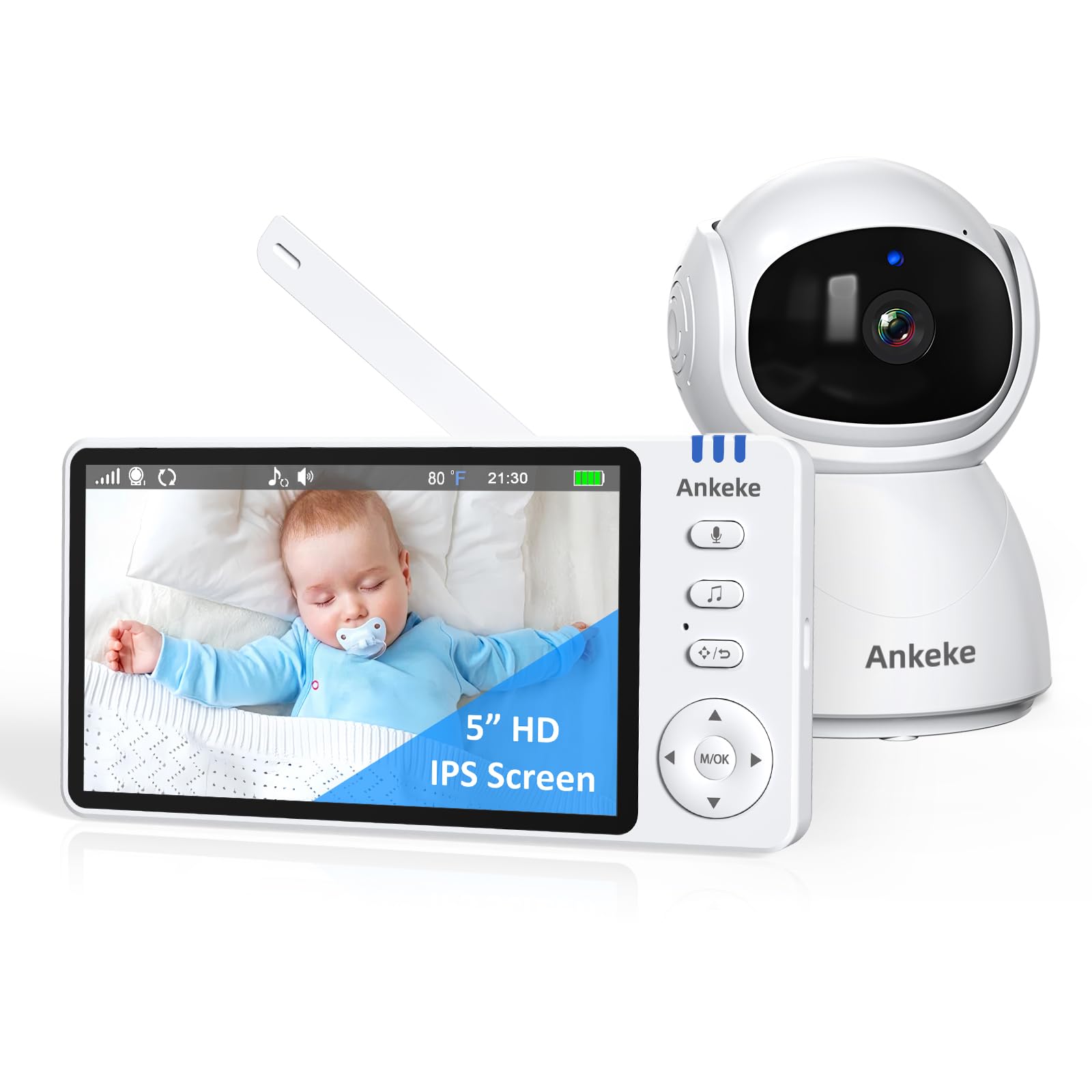
When you have twins, siblings sharing separate rooms, or simply want to monitor more than one space in your home, a second camera transforms how you use your baby monitor. The No WiFi Baby Monitor with Camera and Audio - 5" HD IPS Screen from AnKeKe supports dual-camera pairing, allowing you to switch between two feeds from a single parent unit.
Why a Second Camera Makes Sense
A replacement or additional camera unit extends your monitoring reach without doubling your hardware investment. Parents with multiples appreciate the ability to check on both babies without moving between rooms. Others use one camera in the nursery and another in a playroom or grandparent's house for flexible care arrangements.
Key Compatibility Details
| Feature | Specification |
|---|---|
| Maximum Cameras | Up to 2 per parent unit |
| Connection Type | Direct 2.4GHz FHSS, no WiFi needed |
| Range | Up to 984 ft in open areas |
| Camera Controls | 355° pan, 95° tilt, 1X-4X zoom |
Pairing a Second Camera: What to Expect
The pairing process mirrors the initial setup. The 5-inch IPS parent display guides you through adding another camera unit to the system. Once paired, you can toggle between camera feeds, adjust each unit's pan and tilt remotely, and use the 720P resolution with digital zoom on both views.
Practical Considerations
- Both cameras share the same parent unit battery, which delivers up to 12 hours of continuous screen-on time
- VOX mode extends battery life to 30 hours by activating the screen only when sound is detected
- ECO mode pushes runtime to 100 hours by minimizing screen usage between checks
- Each camera maintains its own infrared night vision, motion detection, and temperature monitoring
- The two-way talk feature works on whichever camera feed is currently displayed
Who Should Add a Second Camera
This expansion suits parents of multiples who need simultaneous monitoring, families with children in separate rooms, or caregivers managing nap time in one room and play time in another. The direct connection system means no network configuration or app management across multiple devices.
Who Can Skip the Upgrade
Single-child households with consolidated sleeping and play areas may find one camera sufficient. If your monitoring needs stay within one room and you rarely move your baby between spaces during the day, the additional hardware may not justify the investment.
Final Assessment
Adding a second camera to the No WiFi Baby Monitor with Camera and Audio - 5" HD IPS Screen creates a scalable monitoring system without the complexity of WiFi or app dependencies. The remote pan, tilt, and zoom controls work independently on each unit, while the generous battery life accommodates extended monitoring sessions across both feeds. For growing families or multi-room care arrangements, a replacement or additional camera unit delivers practical value.
Related Buying Guides
- Diaper Bag Audit: Does the CIMAXIC or cephira Wipe Dispenser Earn Its Spot?
- 3 Sprouts vs Giftativity Baby Closet Dividers: Which Set Grows With Your Baby Longer?
- Baby Shower Cap Guide: Making Bath Time Tear-Free for Infants and Toddlers
- Packing for the Grandparents: HelloBaby vs AnKeKe No-WiFi Monitors for Travel and Visits
- First Baby Monitor for New Parents: HelloBaby vs AnKeKe Brand Comparison
- Best Baby Closet Dividers for First-Time Parents Who Need Simple Setup